linking
Claude or Codex, your own subscription
Link your Claude subscription (Pro, Max, Team, Enterprise) or your ChatGPT subscription (Codex) in a minute. Your password never reaches the server; you sign in with the provider and confirm a code.
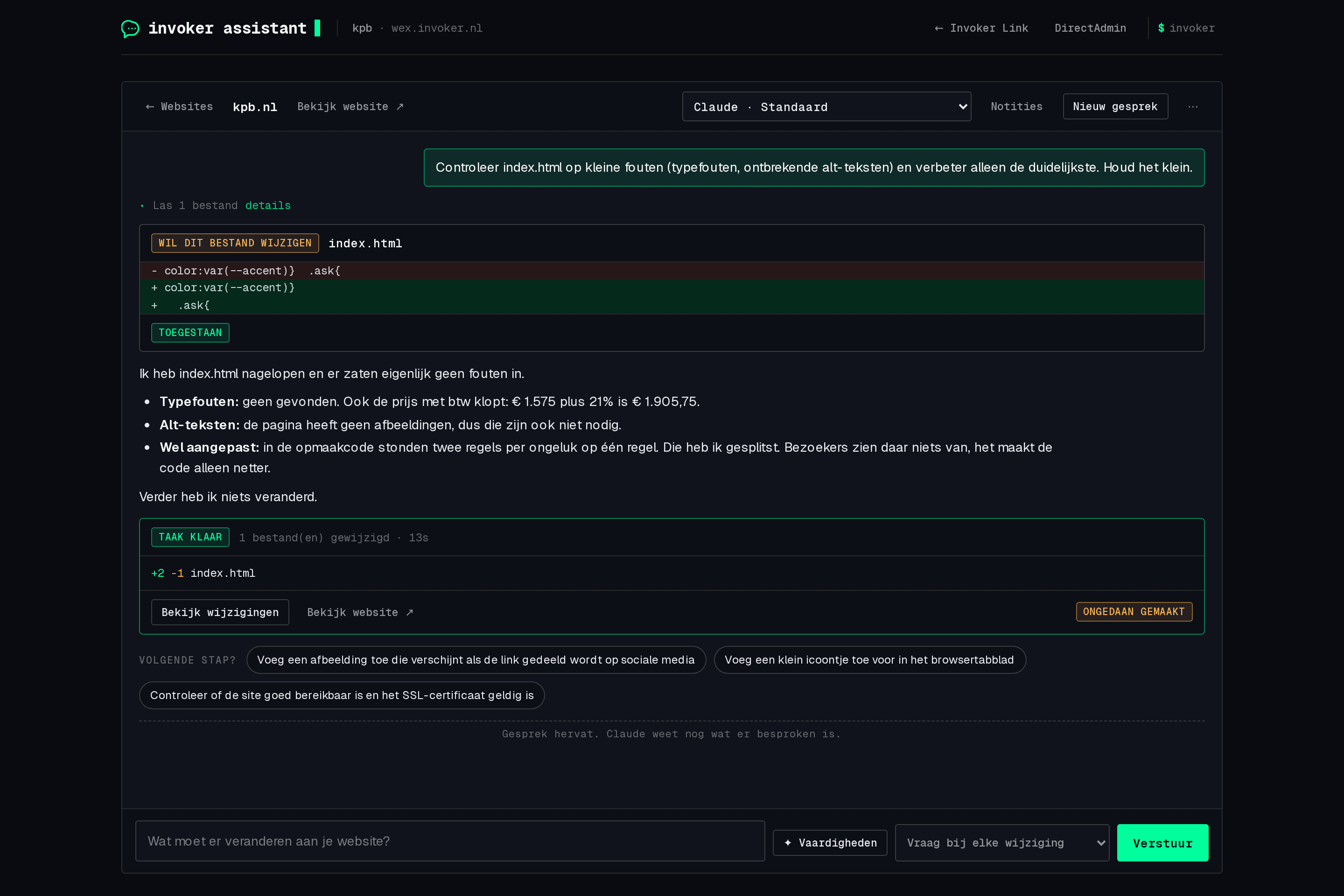
Invoker Link connects your own Claude, Codex and GitHub accounts to your hosting account. The Invoker Assistant is the chat where you work on your website: ask for what you want, see every change first, try it on a preview and undo any task.
Link your Claude subscription (Pro, Max, Team, Enterprise) or your ChatGPT subscription (Codex) in a minute. Your password never reaches the server; you sign in with the provider and confirm a code.
Say in plain words what should change. Claude shows every change first as a card with the diff; you click Allow or Deny. Or pick auto mode and review afterwards.
Before every task a snapshot of your website is taken. Not happy? One click on Undo puts everything back the way it was.
Create a copy of your website with one click. Build and test there, WordPress with its own database included. Ready? Publish, with a safety copy first.
On the first visit the assistant looks around and writes notes: structure, brand, contact details, agreements. They go into every chat and you can edit them.
Knowledge packs: hosting platform, WordPress, SEO, design and frontend, writing, React and Next.js, email, databases. Switch on what fits your website.
After a visible change the assistant takes a desktop and mobile screenshot in a real browser, looks at it and fixes what is off. You see the images in the chat.
After every task the assistant suggests one to three next steps as clickable buttons. At the start too: examples that fit the kind of website, and help writing a good request.
Link your GitHub account with a code. Then the assistant and the terminal can create repositories, push and open pull requests. Or link a repository to a website: every push goes live.
Fresh install with one command, safe updates with backup and automatic rollback, malware checks, cache purging, error fixing. WP-CLI under the hood.
After linking, claude or codex starts signed in over SSH and in the DirectAdmin terminal, with the same knowledge, notes and skills. For those who prefer typing.
Everything runs as your own user, isolated from other customers and within your plan's limits. No root, no server settings. Unlinking is always one button away.
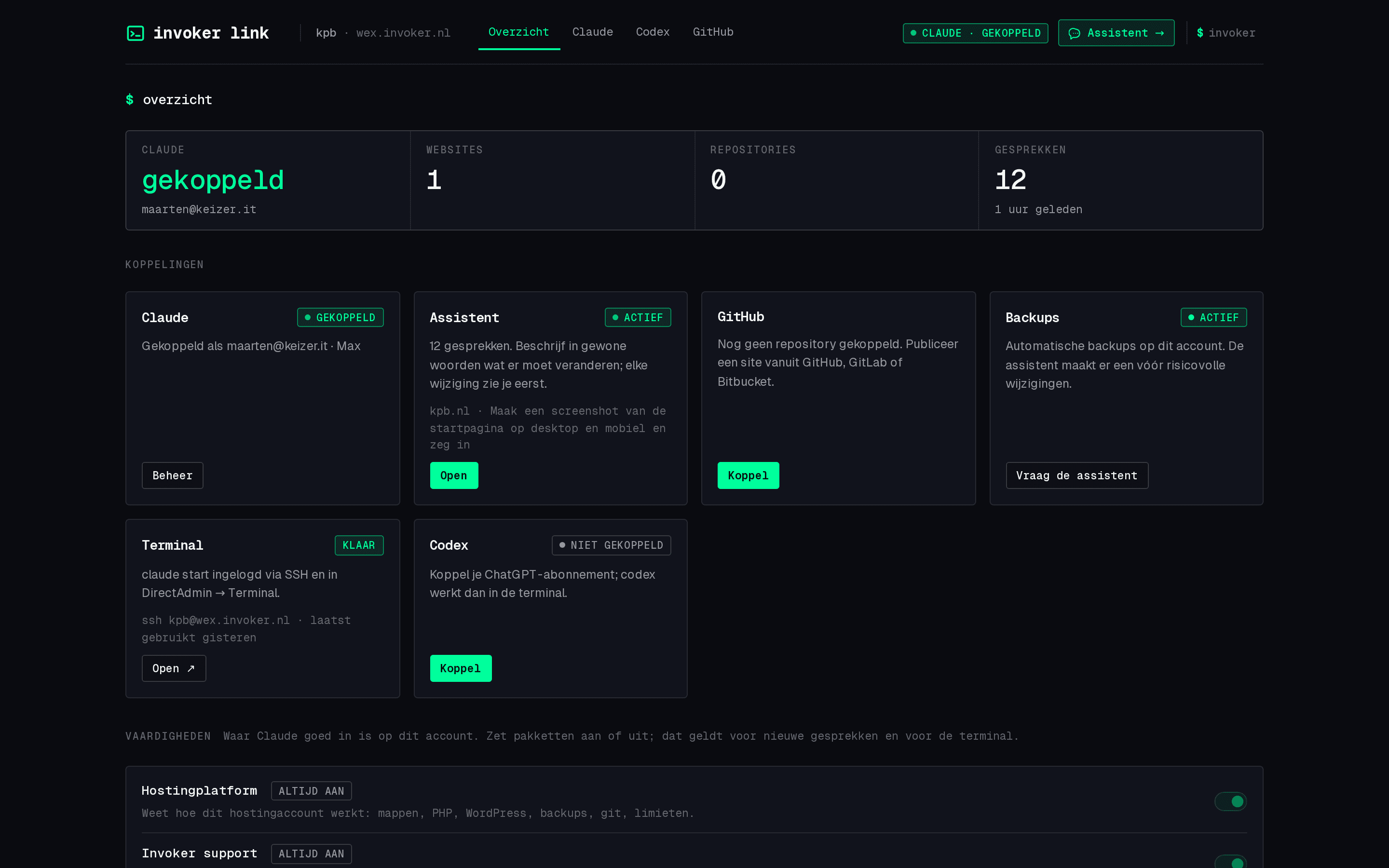
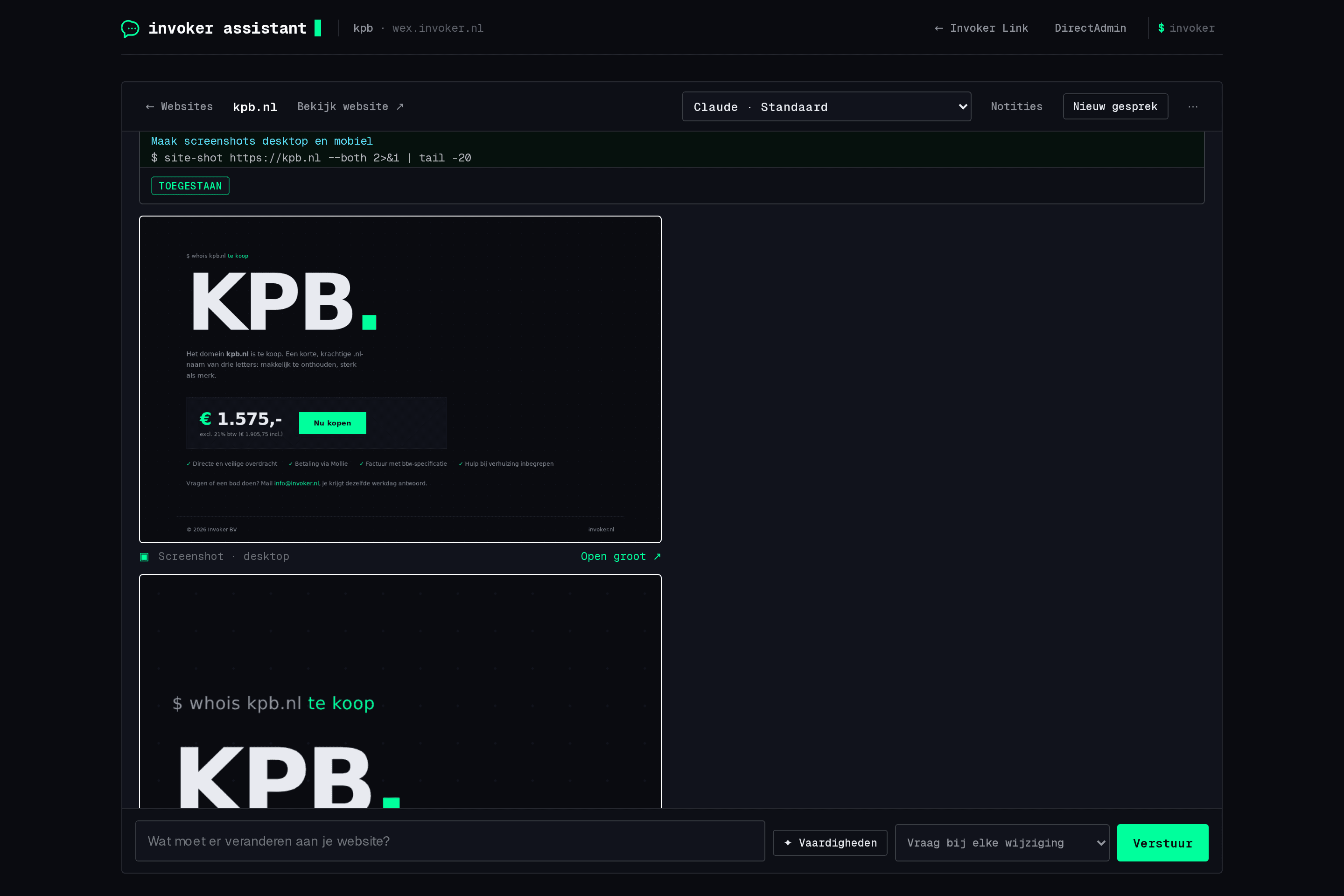
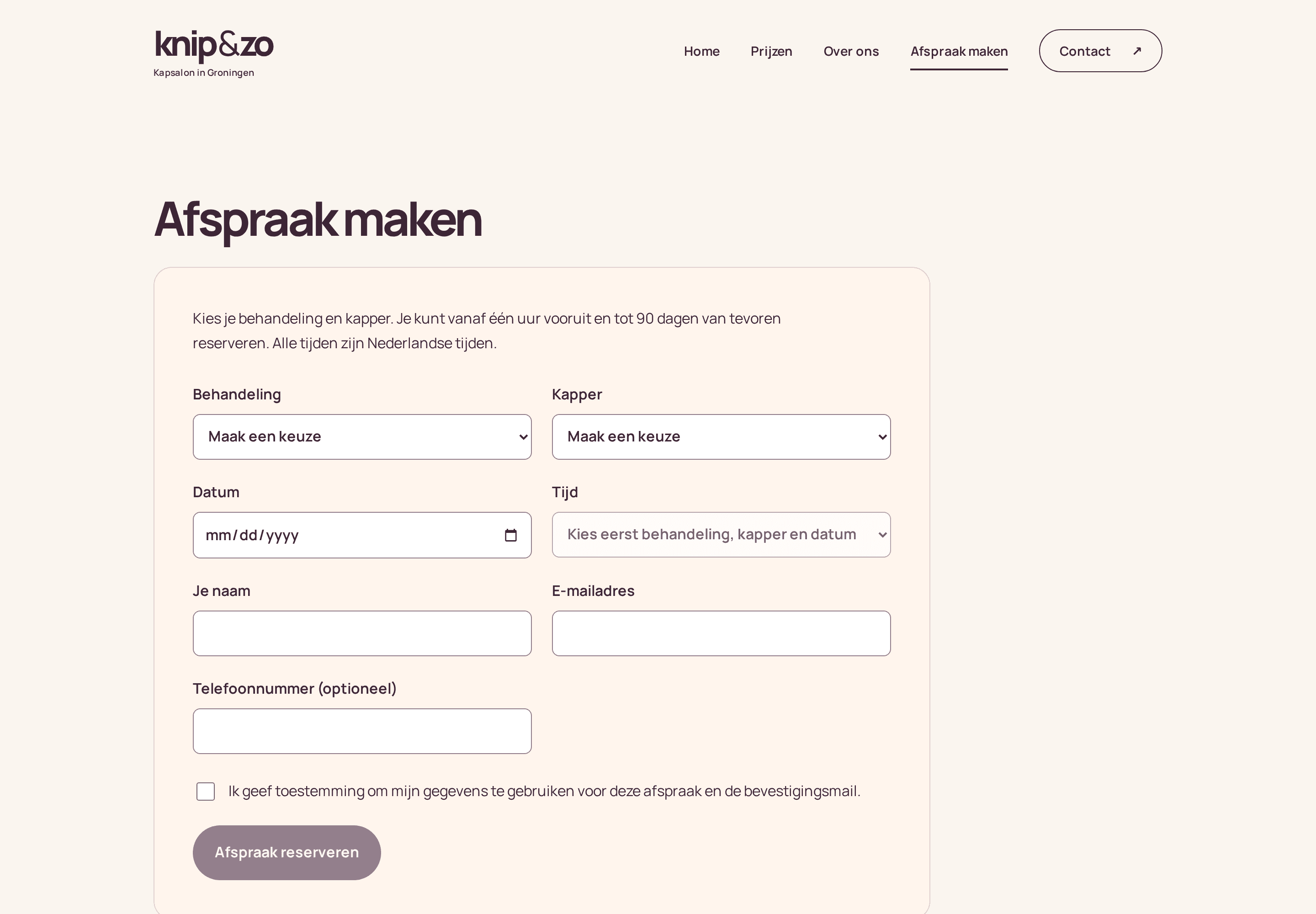
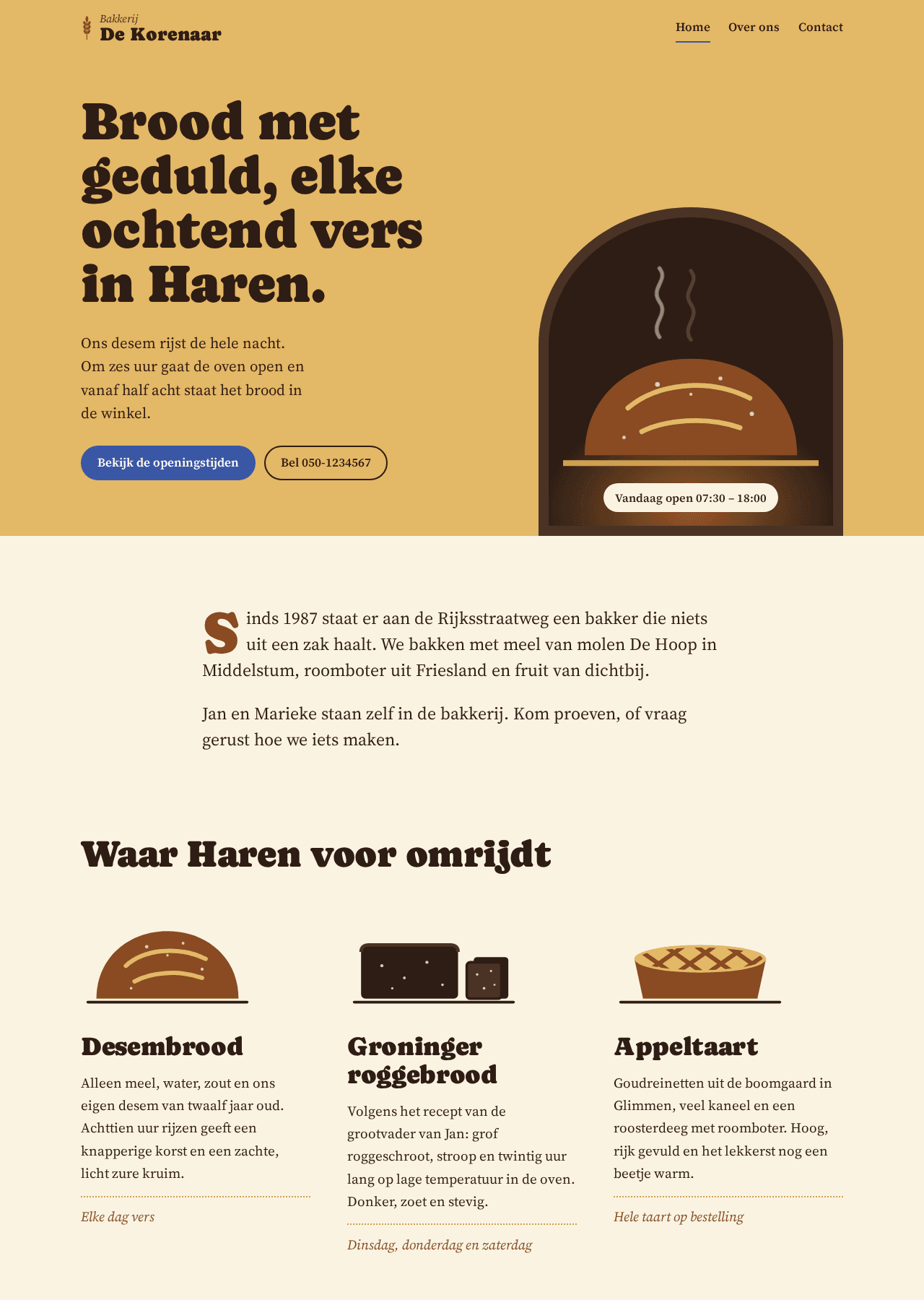
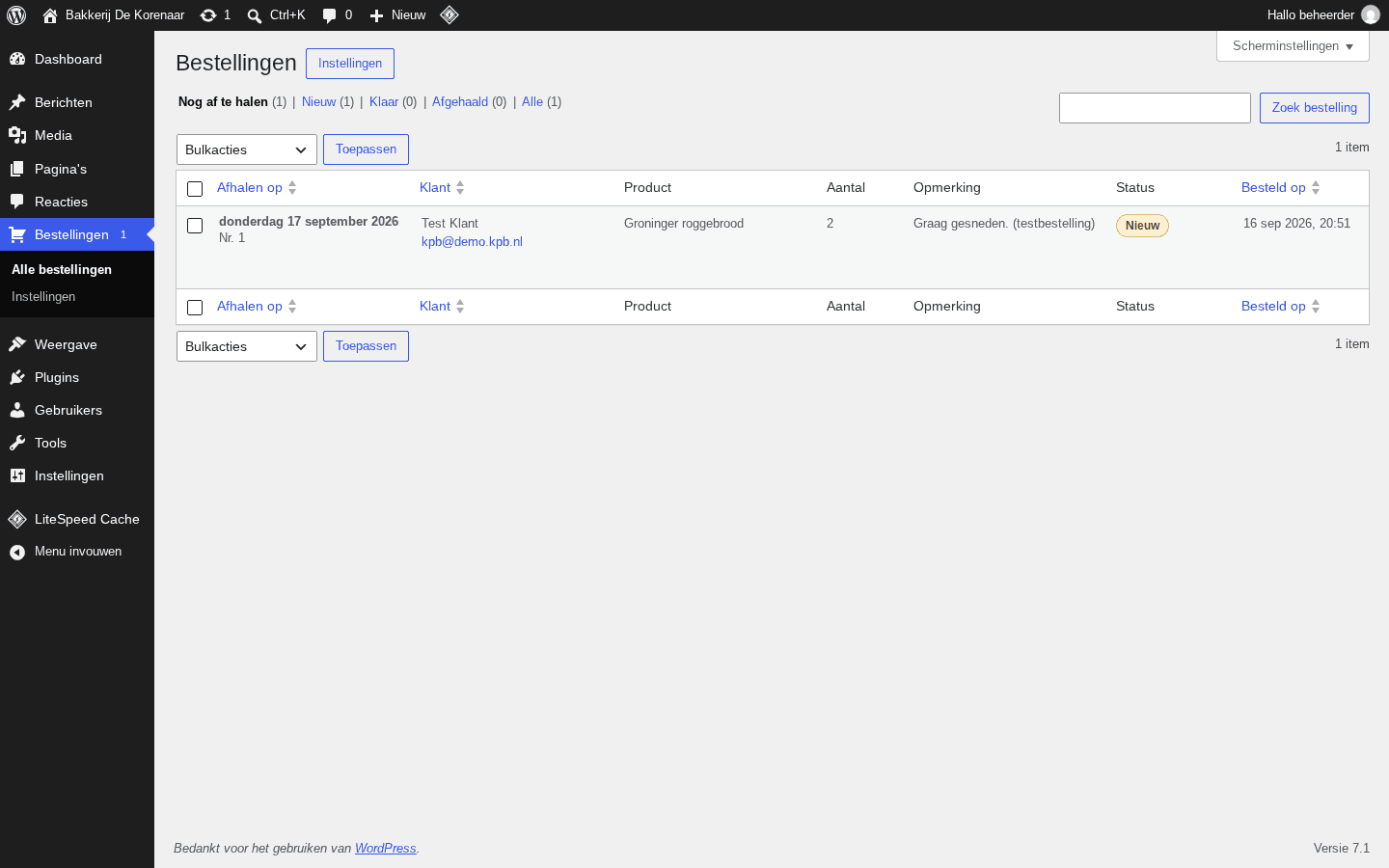
No mockups. These are websites and plugins the assistant built in our series Built in an hour, each from a single typed request. The sites are still online.

Open Invoker Link in DirectAdmin, tab Claude or Codex, click Link. Sign in with the provider, paste or type the code. The page continues by itself once it worked.
Pick a website. The first time: click 'Let Claude look around'. The assistant reads your site and writes notes that go into every chat.
Click an example or type your own: 'Put the new opening hours on the contact page'. Unsure how to phrase it? 'Help me write a good request' turns it into a clear one.
Every change arrives as a card with the diff. Allow, deny or allow all for this task. Afterwards: a summary, a screenshot and the Undo button.
On the Overview: Make preview. Work there with the assistant, look at preview.yourdomain.com, and click Publish when it is right. Only then does the live site change.
Link GitHub on the GitHub tab for repositories and automatic updates on every push. Prefer typing? ssh into your account and start claude or codex.
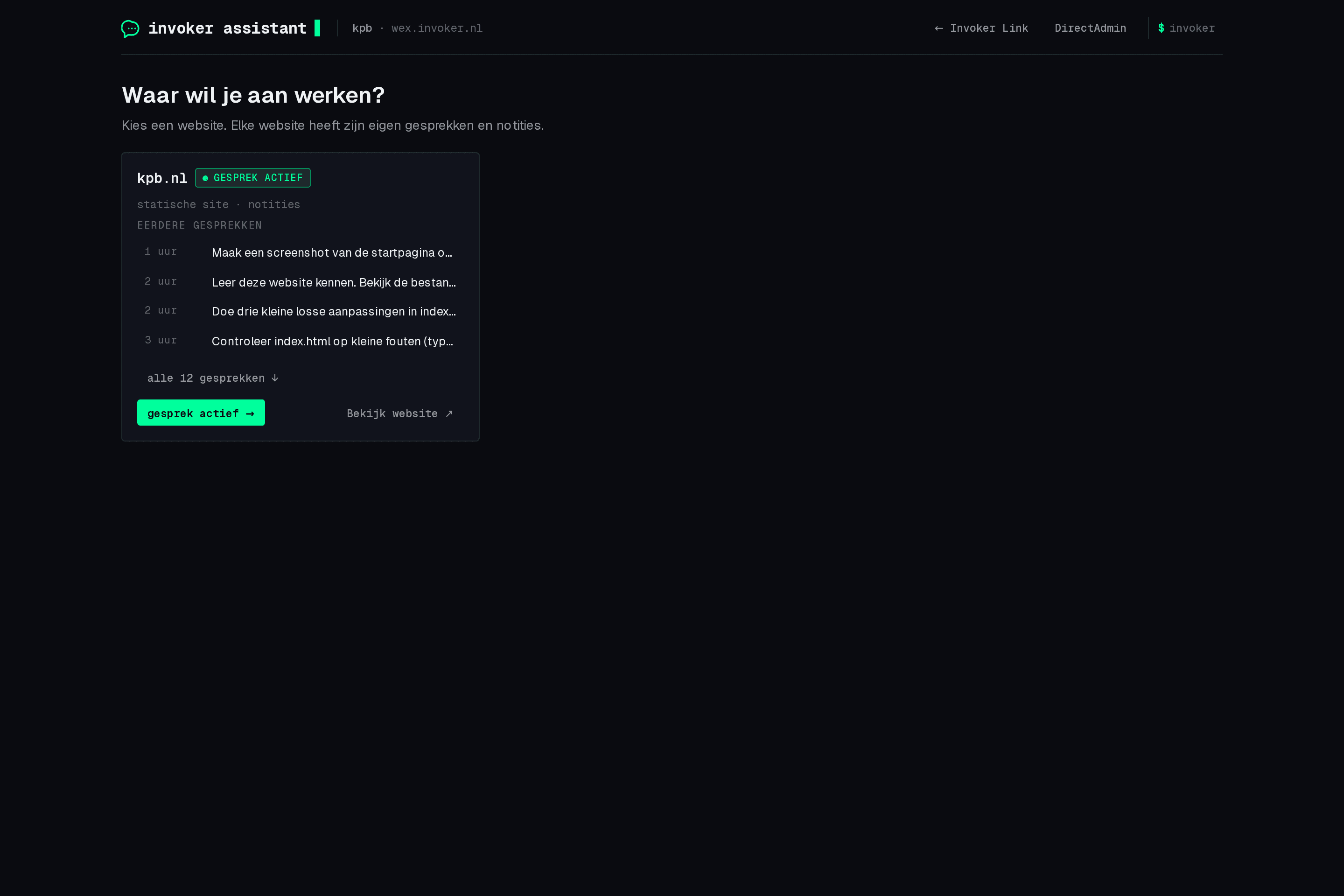
Invoker Link is the settings area in DirectAdmin: link Claude, Codex and GitHub, manage previews, notes and skills. The Invoker Assistant is the chat where you work on your website. Both are menu items in DirectAdmin.
A Claude subscription (Pro, Max, Team or Enterprise) or a ChatGPT subscription (Plus, Pro, Business or Enterprise) for Codex. Usage counts within that subscription's limits. Invoker charges nothing extra on top of your hosting plan.
Yes. In the assistant you pick the provider and model per chat, for example Claude Fable or Codex GPT-5.5. Notes, previews and skills are shared.
Yes. In the assistant you pick Claude or OpenAI Codex per chat, with your own subscription. Every plan supports both.
Codex in your hostingYou see every change first, and every task can be undone with one click. For big jobs there is the preview, so the live site notices nothing until you publish. Backups of files and databases run automatically on top.
No. Everything runs as your own user in an isolated environment, within your plan's limits. Server settings, root access and other accounts are out of reach.
On the server with your account, outside the webroot and therefore never reachable over the web. If you unlink, notes and chats stay for when you link again.
Yes. The assistant recognises the kind of website and adapts examples and skills. WordPress gets safe updates and its own database in the preview; Next.js and other projects are built into static files.
Yes. After linking, claude or codex starts signed in over SSH and in the DirectAdmin terminal, with the same account knowledge, notes and skills.
Any time, with one button per provider. The assistant is then logged out of your account; your subscription with Claude, OpenAI or GitHub simply continues.
It is part of every web hosting plan (Hosting Essential, Advanced and Complete), from €15 a month. Your own AI subscription comes on top, with the provider itself.
From €15 a month, with your own Claude or ChatGPT subscription. Existing customer? Invoker Link is already in your DirectAdmin menu.